
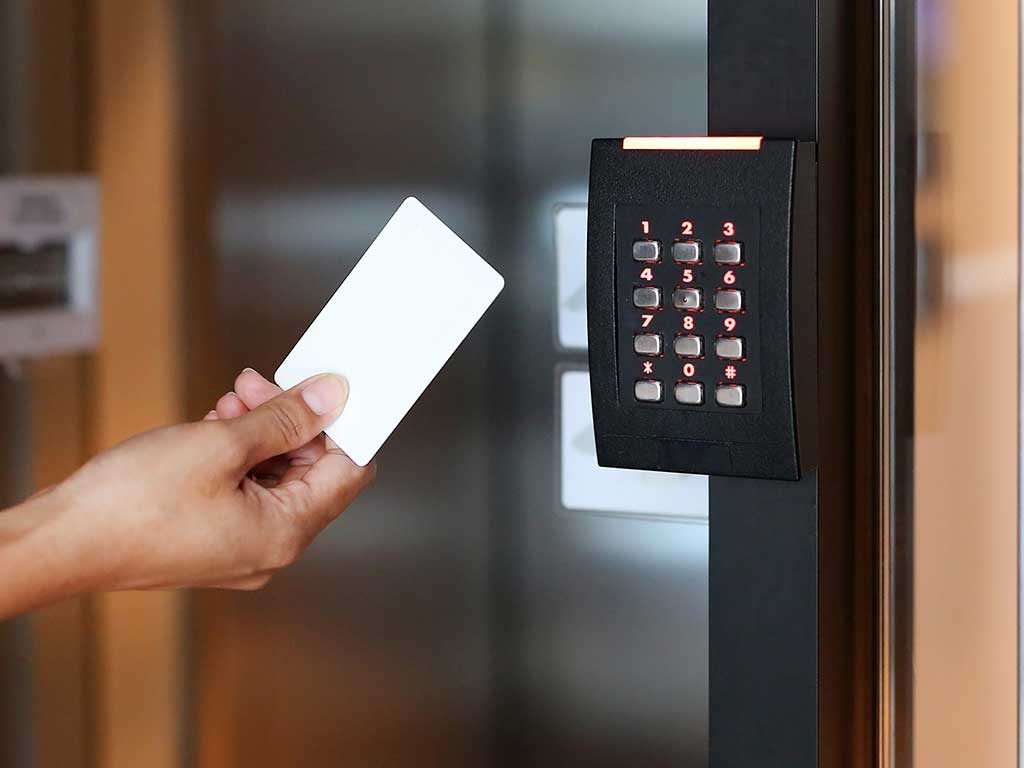

A workplace may look safe while still having hidden gaps. A door may be left open, an old key may still work after an employee leaves, or visitors may enter areas where they do not belong. Smart buildings use digital tools to manage doors, check visitors, and record activity. Businesses can use commercial access control systems to control who can enter different areas of their buildings instead of relying only on traditional keys.
What Makes a Building Smart?
A smart building uses connected devices such as cameras, alarms, and door entry systems. For workplace security, the value comes from making these tools work together. For example, a staff member may use a card, code, or approved phone credential to enter the office. A manager can set which doors that person may open and when access is allowed. This makes it easier to match building access with each person’s role.
Staff still need clear rules, and managers must check that systems work as planned. Technology supports good security practices; it does not replace them.
Better Control Over Who Enters
Traditional keys can be lost, copied, or kept by former workers. If a key goes missing, a business may need to change the lock. Digital entry tools offer another way to manage this risk.
An authorised manager can add or remove a person’s entry permission without handing out a new metal key for every change. Access can also be limited to certain doors or hours. A cleaner, for instance, may need entry in the evening but not access to a stockroom or private office. A staff member may need to enter the main office but not a server room. These limits help protect people, equipment, records, and valuable stock. They also make it easier to give temporary access to a repair worker or delivery team, then remove that permission when the visit is over.
A Clearer Picture of Daily Activity
Entry records can show when a credential was used and which door it opened. This can help managers review an unusual event, investigate a missing item, or check whether access rules still make sense.
Businesses should explain what is recorded, limit access to the information, and follow privacy rules. The aim is workplace protection, not unnecessary monitoring. A written plan helps staff respond calmly when an alert appears.
Connecting Doors, Cameras, and Visitor Checks
A door system is only one part of workplace security. Cameras can show activity near an entrance, while an intercom lets staff speak with visitors before allowing entry. Together, these tools help staff check who wants to enter and why.
For example, a delivery driver may arrive while the front desk is busy. An employee can use an intercom to confirm the reason for the visit and decide whether the door should be opened. Cameras may provide a view of the entrance, while access settings help keep other parts of the building closed. Features depend on the equipment and the building’s needs.
Planning Security Around the Business
A useful system starts with a review of the property. Managers should list controlled doors, who uses each area, and when access is needed. They should also consider visitors, contractors, deliveries, and emergency exits. This helps prevent people from receiving more access than their work requires.
Next, managers should choose tools that fit the building. A small office may need entry control for one door, while a larger site may need different permissions for several departments. Cameras and intercoms should answer real security needs, not simply add extra features.
Businesses can improve workplace security by choosing access control systems that make entry management easier. These systems allow authorized staff to enter specific areas while helping managers control access permissions. They can also support better monitoring of entry activity and reduce the need to manage traditional keys for every employee. With a suitable setup, businesses can maintain organized access procedures, protect restricted areas, and make daily security management more convenient.
Keep the System Safe and Up to Date
Connected security tools need regular care. Check permissions when workers join, change roles, or leave. Replace default passwords, update software, and limit administrator access. Staff should know how to report a lost card or faulty door.
Managers should also know how doors behave during power cuts or system faults and keep emergency exits safe. Regular checks can catch small problems early.
Conclusion
Smart buildings give businesses more ways to manage entry, protect important areas, and respond to security concerns. The strongest approach is not to add technology for its own sake. It is to choose suitable door controls, cameras, and visitor tools, then support them with clear rules and regular checks. When each part has a clear purpose, workplace security becomes easier to manage and more reliable.
