
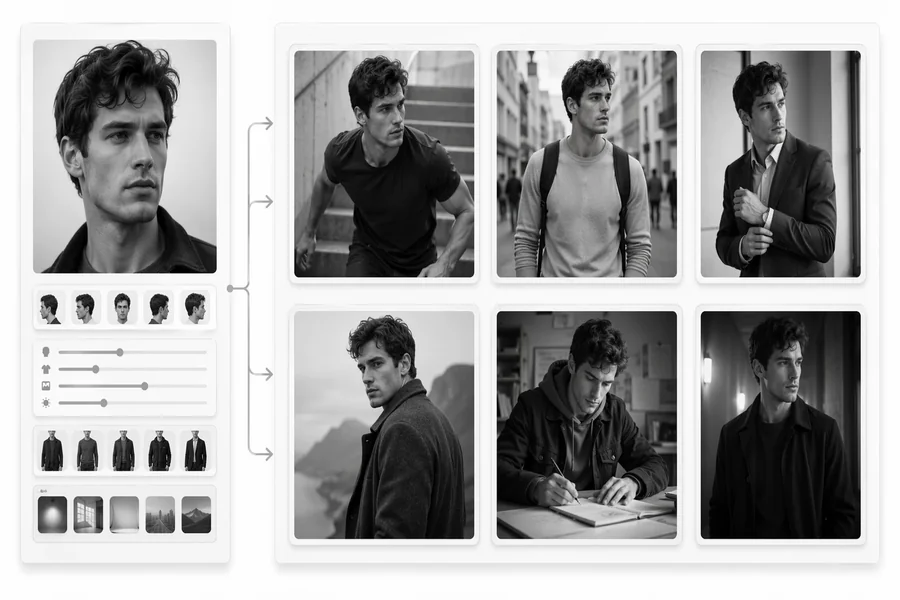

So if you’ve ever thrown together a quick prompt and found yourself scratching your head at the result, you’re not alone. Writing good prompts is more than just saying what’s on your mind, it’s about translating what you want into the language the AI can understand. That’s the stumbling point for most people (including beginners who want trustworthy GPT Image Prompt tips
An effective image prompt is like a blueprint. Consider it as if you were giving instructions to a painter that can’t ask questions. If you just type “a beautiful house” the AI doesn’t know what beautiful means to you. Is it modern day? Rustic? On a beach or in the hills? At sunrise or at night? Each detail you omit is one more opportunity for output to not meet expectations.
Prompts that are better than average often have a few basic attributes in common – the subject, the setting, the style, the lighting, the feel and the point of view. With these components in place, the images the AI produces look purposeful and not haphazard. For example, instead of just “a cat,” you could say “a fluffy orange cat sitting on a wooden windowsill during golden hour, soft sunlight casting warm shadows, realistic photography style.” Do you see the difference? One’s generic; the other paints a picture.
Another key element is consistency. If your prompt contains contradictory instructions – for example “minimalist but very detailed” – then the AI might have difficulties deciding what to prioritize. That’s why you need clarity and structure. The better your prompt, the better your result. It’s not magic, it’s communication
Why Prompt Clarity in AI Image Generation is So Important

Cleanness in AI-Generation Prompt is not just a preference, it is necessary. When using tools to generate images, your biggest enemy is uncertainty. The AI doesn’t “guess” as a human might; it extrapolates patterns from training data. Therefore if your input is ambiguous, then so is the output.
Imagine telling a photographer to “take a cool picture.” That word—cool—could mean any number of things. Temperature? Style? Mood? Even a top-level expert would have a hard time without context. AI is the same, only it doesn’t ask clarification questions. It just produces the most statistically probable interpretation of your words.
This is why so many mistake-driven article lessons turn out wrong. A very common mistake users make is to think that the AI knows what it is that it wants to know. It doesn’t. It recognizes patterns. So if you don’t tell it what camera angle you want or what lighting condition to use or what artistic style to shoot in, the system will make its own assumptions – and not necessarily in your favor.
Clear prompts also result in better performance in terms of computation. Instead of making 10 versions and praying one works, a good prompt can get you there on the first or second try. That’s a time saver and it’s less work, and occasionally it’s even cost effective if you’re paying for tools.
There’s also an artistic advantage to that. When you have to be specific, you automatically think about your vision more. You begin to ask better questions: What mood am I trying for? What time period or aesthetic matches this concept? That degree of purposefulness will turn your prompts from random data into creative guidance.
Mistake #1: Being Too General
Vagueness is by far the most common error when writing prompts. Easier said than done I know, but I can attest to the feeling that it’s natural to want to keep things vague, especially when you’re just playing around. But here’s the catch-the vaguer your prompt is, the less control you will have.
When you say “a futuristic city” the AI brightness it up with thousands of interpretations possibilities. Cyberpunk? Clean and utopian? Decay and grime? Encased in flying cars or? Minimalist architecture? Without any direction, the model is more or less rolling the dice on what it knows.
This is a common problem. You may generate five images from the same prompt, and they’ll be five completely different styles. That can be fun for exploration, but it’s frustrating when you want a certain look.
Vagueness also makes it more difficult to improve your prompt. There’s no way to fix it if you don’t know what went wrong. Was the lighting? The composition? Was it in style? Without good data, it’s really just guesswork as to what went wrong.
Another subtle problem is that general prompts will tend to create generic results. Because the AI is biased towards popular trends, your images might look bland or overworked–like stock photos you’ve seen a hundred times before. That’s what no one wants.
Fix: Add Specific Details and Context to What You’re Writing
The answer is in having simple but powerful specificity. Rather than create short, open ended prompts, try to include descriptive elements that tell the AI about your vision.
Go ahead and expand your topic. Don’t just type “dog” — get descriptive about the breed, color, and what it’s doing. Insert environmental context. Where is the subject? What time of day is it? Then layer in style and mood. Is it realistic, cartoonish, cinematic, or painterly?
Here’s a side by side at a glance:
Vague Prompt
Better Prompt
A mountain
Snow-covered mountain at sunrise, golden light, dramatic clouds, ultra-realistic photo
A person
A young woman in a red dress walking down a rainy city street, neon lights illuminating wet pavement, cinematic style
Note that the enhanced prompts are more definitive with less ambiguity, making them easier to visualize, That’s exactly what the AI needs.You can also think in terms of storytelling. Instead of objects, describe a scenario. What’s going on? What feeling should the picture evoke? This way of thinking naturally lends itself to more vivid and more detailed prompts.
Once you get used to adding context, your results will improve far beyond what you imagine. It can take a little longer to write up a longer prompt, but the payoff is well worth it — more accurate, visually stunning images you can almost be sure match your vision.
