
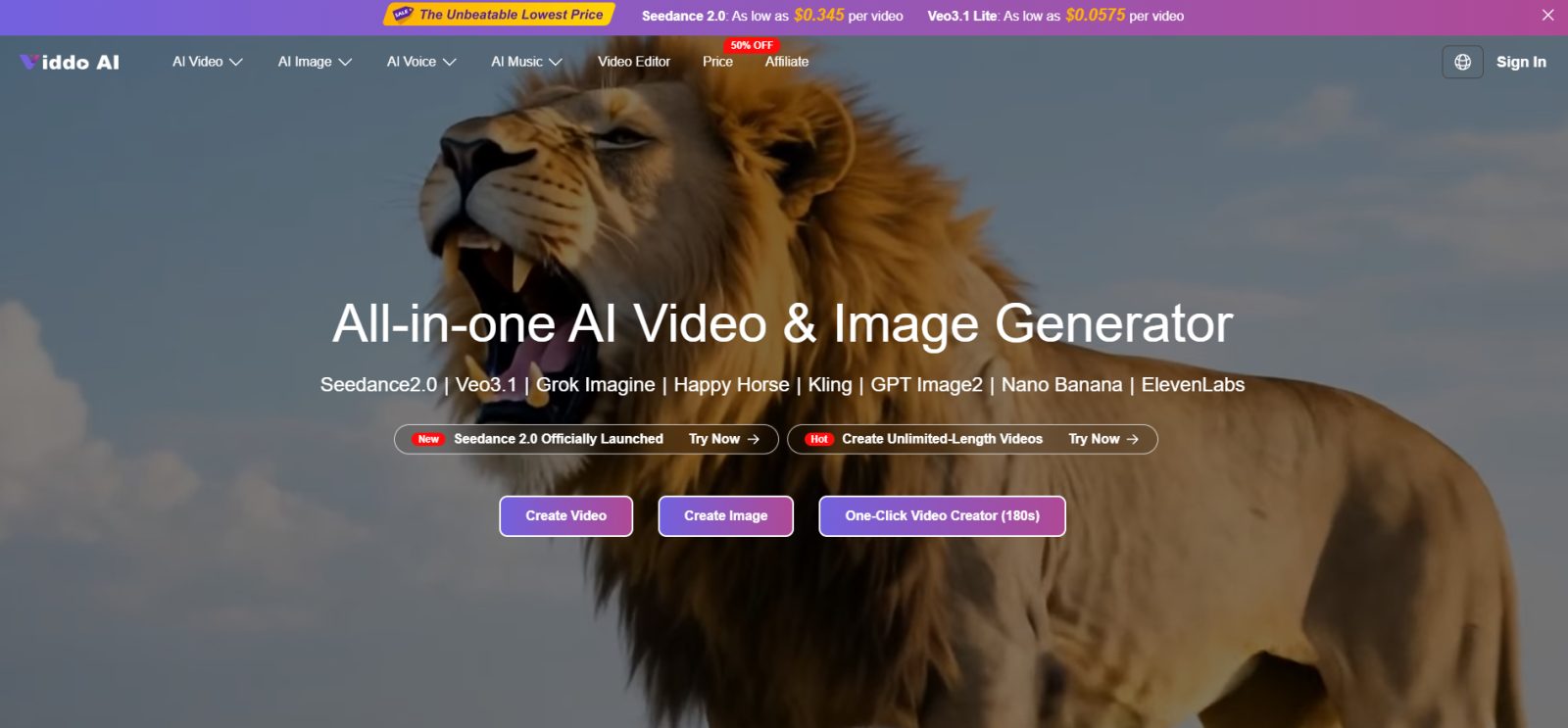

A YouTube or newsletter brief can look finished in a doc and still be wrong in motion. The hook that felt sharp as a sentence can feel empty once it has to hold for eight seconds on screen. That gap is why creators keep asking what text to video ai is actually for. It is not a channel in a box. It is a way to watch a written idea move before you commit edit time, freelance budget, or a full shoot day.
I checked it as a filter for outlines, not as a replacement for a host on camera. Write the cold open as one shot sentence. Generate two takes that differ only by camera move. Keep or kill before anyone opens the edit timeline. If the hook fails as a disposable preview inside Viddo AI, it will usually fail harder after three days of polishing B-roll around a sentence that never deserved screen time.
Text To Video Means Draft Motion From Language
In plain terms, you type a scene or script beat, pick a model, set ratio and length, and generate a short clip with visuals and, on many paths, accompanying sound. You are not opening a timeline and cutting B-roll from a hard drive. You are asking the model to interpret language as camera and action.
That definition matters because it sets expectations. A clear prompt about a founder walking through a quiet office at dawn will behave differently from “make an inspiring business video.” The tool amplifies specificity. It does not invent your point of view for you.
Think of it as a disposable animatic with sound options, not as a finished episode. You are allowed to throw the file away. That permission is the product. Creators who feel guilty deleting generations end up publishing soft motion they do not believe in.
Why Early Motion Beats Late Regret On Growth Content
Growth channels punish late discovery. If you learn in the edit bay that the cold open does not work, you have already spent the week. If you learn it from a two-minute generation the morning after the outline, you still have time to rewrite the hook.
Kill Weak Hooks Before The Edit Timeline Opens
Creators who publish explainers, product walkthroughs, and opinion shorts feel this most. Their scripts are strong on argument and weak on visual proof until someone films. A text-led draft gives you a disposable animatic: wrong on purpose, cheap to throw away, useful for deciding what must be real footage later.
Test Wealth Metaphors In Three Seconds Flat
Wealth and business channels feel a special version of the problem. The script can be precise about numbers while the visuals stay generic stock. A generated preview will not fix weak research. It will show you quickly whether the visual metaphor for “compounding” or “burn rate” reads in three seconds. If it does not, rewrite the metaphor before you book a set.
How The Workspace Turns A Sentence Into A Preview
Open Text to Video, choose a model that fits the job, and paste a prompt that names subject, action, camera, and mood in concrete words. The workspace is a filter for outlines, not a channel autopilot. Set the knobs first, then burn credits.
Set Ratio Length Seed Before You Generate
Use Generate With AI when you only have keywords and need a fuller sentence. Set Video Ratio for the platform — 9:16 for Shorts, 16:9 for long-form inserts — and pick Resolution at 720p for drafts or 1080p for keepers. Use the length control, including the 15s option when the beat needs more than a flash. Lock Seed when you want the next take to keep style and character appearance closer.
Optional Web Search can pull real-time context when the prompt depends on current information. Translate helps when English prompting behaves more reliably for your model path. When you need references beyond pure text, the broader create panel still exposes upload slots for images, video, and audio on multimodal routes such as Seedance 2.0, which is built to take mixed inputs and return picture with native audio alignment.
Run A One Hour Hook Test Loop
A practical hour inside Viddo AI looks like this. Draft the cold open as one shot sentence. Generate two takes that differ only by camera move. Kill one. Rewrite the sentence if both fail. Only then open the edit timeline. That order keeps the expensive work downstream of a decision you already trust.
If you batch content for a week, run hook tests on Monday before you lock the outline board. Mark each hook pass, rewrite, or kill. Editors should not receive a script whose opening visual has never been seen moving. That single habit removes a surprising amount of Thursday panic.
| Brief stage | What you write | What you keep |
| Hook test | One sentence cold open | Pass / fail on attention |
| Explainer beat | One visual metaphor | Whether the metaphor reads |
| Product moment | Object + simple action | Whether identity holds |
| Series look | Same Seed + small prompt change | Whether the show feel matches |
Use the table as a keep sheet, not as a brainstorm wall. One row at a time. One keep decision. Then move on.
Check Watermark Before You Promote A File
Free generations can include a watermark. Paid plans remove it and allow commercial use under published terms. Credits depend on model, length, and related options; failed creations can be refunded or credited back. Annual billing is advertised at 50% OFF versus monthly. Those rules decide whether this stays a private sketchpad or becomes publishable B-roll.
Budget credits the same way you budget thumbnails. A small weekly pool for hook tests is enough for most channels. Blow the pool on ten random “cinematic” experiments and you will learn less than you would from three disciplined A/B pairs. Failed generations can be refunded or credited back, which lowers the fear of testing — it does not remove the need for a plan.
Where This Fits Beside Real Footage
Use generated previews to kill weak hooks, not to replace every talking-head you already trust. Keep real footage for proof, personality, and anything that must be literally true on camera. Keep generated motion for metaphors, transitions, cold-open experiments, and placeholder scenes while a shoot is being booked.
- Write the beat as a shot, not as a brand adjective list
- Generate two takes that differ by one variable only
- Decide keep / kill before opening the edit timeline
- Promote only paid, watermark-free files to public uploads
Creators who treat text to video ai as an early filter ship cleaner scripts. Creators who treat it as an autopilot channel usually publish generic motion with a sharp title stuck on top.
Series continuity is the other quiet win. Lock Seed when you want next week’s bumper to feel related to this week’s. Update Seed when you intentionally refresh the show look. Without that discipline, every episode looks like a new tool demo, and subscribers feel the discontinuity even if they cannot name it.
When a metaphor works in preview but feels wrong next to your real face on camera, trust the mismatch. Keep the generated clip as a transition or cutaway, or rewrite the metaphor. Do not force a hybrid that makes the host look like a guest in their own video. Viddo AI is there to pressure-test language, not to overwrite the channel’s personality.
Who Gets Value From Watching The Brief Move
This fits YouTube and social operators who outline in docs and want motion proof before they spend the week. It is a poor fit if your channel’s whole product is live performance capture that cannot be approximated.
If your outlines keep surviving the doc and dying in the edit, generate the cold open first. Let Viddo AI show you whether the sentence deserves camera time. Keep what earns attention. Rewrite what does not. That is a modest use of the tool — and usually the one that pays.
