
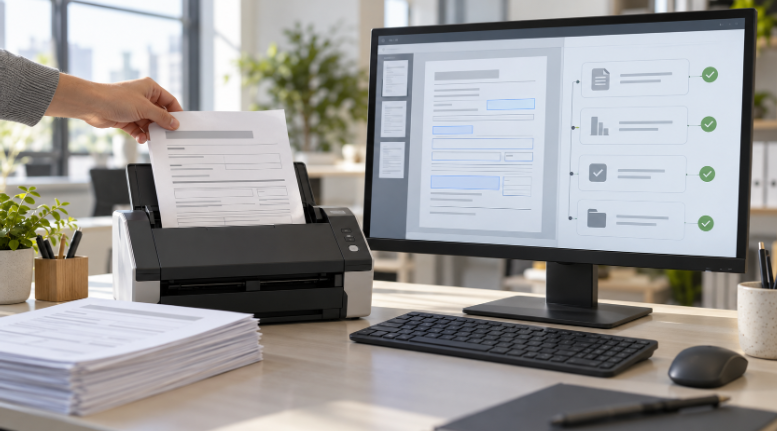

Intelligent document processing automates work beyond data entry by helping businesses classify documents, check information, and move tasks forward. Reading an invoice is only one step; someone still needs to match it to an order, identify problems, and send it for approval.
That extra work often creates the real backlog. A document may sit in an inbox because nobody knows who should handle it or which details need checking. A useful system connects the information on the page with the next action your team needs to take.
Recognizing What Arrived
Businesses receive invoices, applications, purchase orders, receipts, and other documents. Before extracting information, a system can classify incoming files and send each type into the appropriate workflow.
For example, an invoice belongs in accounts payable, while a customer application may need an eligibility review. Separating these documents reduces the sorting work employees perform.
Classification needs safeguards. An unfamiliar layout or mixed document bundle should trigger a check rather than quietly routing it to the wrong queue.
Checking Details Against Existing Records
Extracting an amount or account number does not establish that it is correct. Document processing becomes more useful when you compare extracted information with trusted business records.
An invoice workflow might check whether:
- The supplier exists in the approved vendor list.
- The purchase order number matches an open order.
- The billed quantity agrees with receiving records.
- The invoice has already been submitted.
These checks can flag discrepancies before they reach a payment stage. They should follow defined rules, with employees reviewing unclear matches or differences.
Routing Work to the Right Person
Once the system classifies and checks a document, it can decide where it goes next. An invoice might reach a department manager, while a larger amount requires additional approval.
This is where AI process automation extends beyond filling fields. The extracted details become inputs for assigning tasks, creating review requests, or updating a case status.
Keep approval boundaries clear. Reading and routing a payment request should not automatically authorize the payment itself, especially when supplier details have changed.
Connecting Documents With Business Systems
Useful processing requires somewhere for the results to go. Information may need to enter accounting software, a customer database, or a case management platform without creating duplicate records.
An AI integration specialist can help map document fields to the correct system fields and define what happens when an update fails. The workflow should also check permissions and log changes.
For example, a completed application could create a case and notify the assigned employee. If required information is missing, it could request a correction instead of creating an incomplete record.
Handling Exceptions and Measuring Results
Start with one document type and a defined workflow. Test ordinary examples alongside blurry scans, missing pages, duplicate submissions, and unfamiliar formats.
Measure extraction accuracy, processing time, and how often employees must intervene. Also check whether documents reach the correct destination and whether downstream updates succeed.
Give reviewers the document beside the extracted details. Record corrections and recurring problems so the team can improve rules, source quality, and handoffs before expanding the workflow.
